 shelf
Your Markdown notes, as a library.
A desktop app that turns any folder of Markdown files into a library: one shelf per folder, search across all the contents and a reader with PDF export.
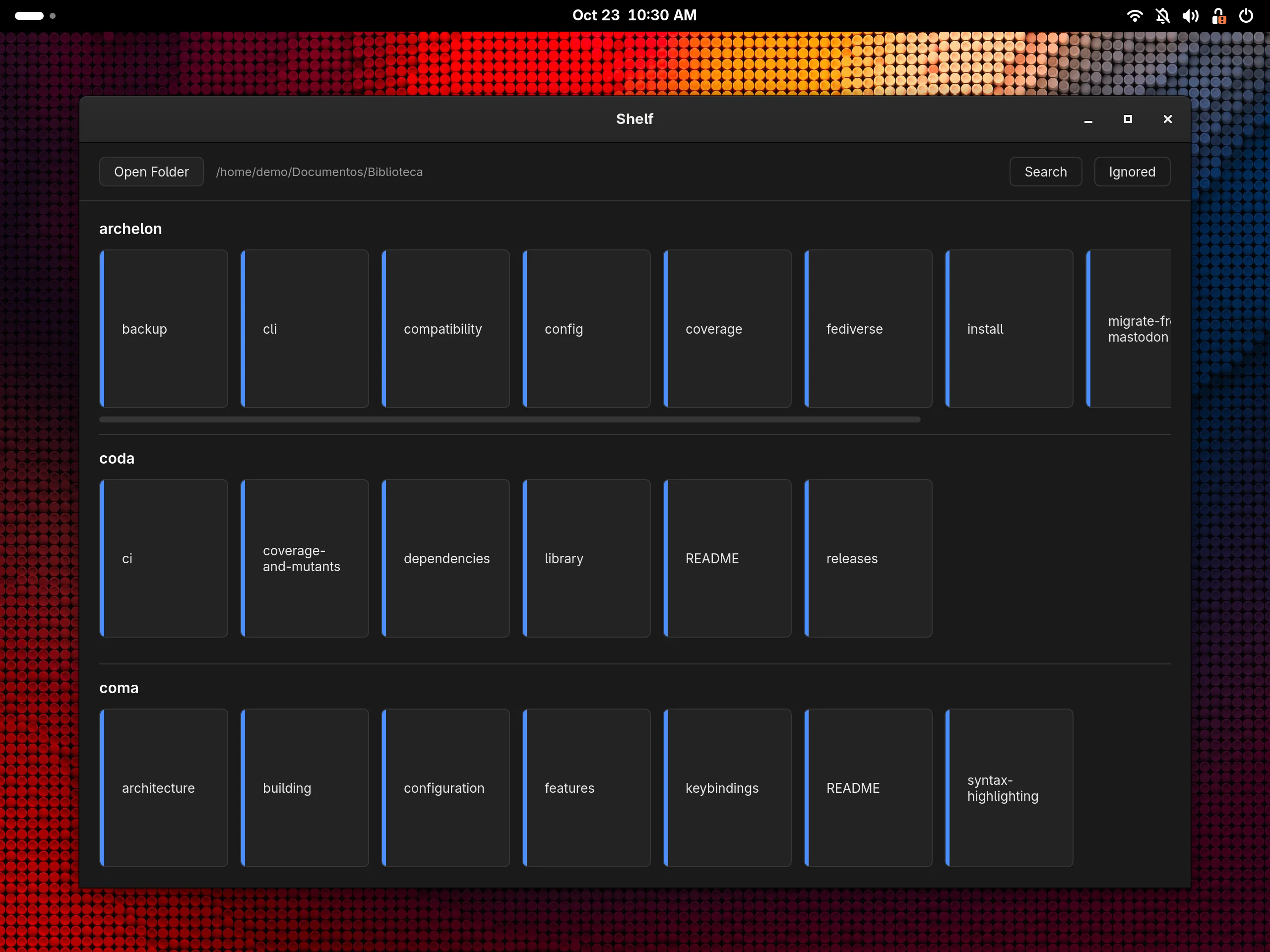
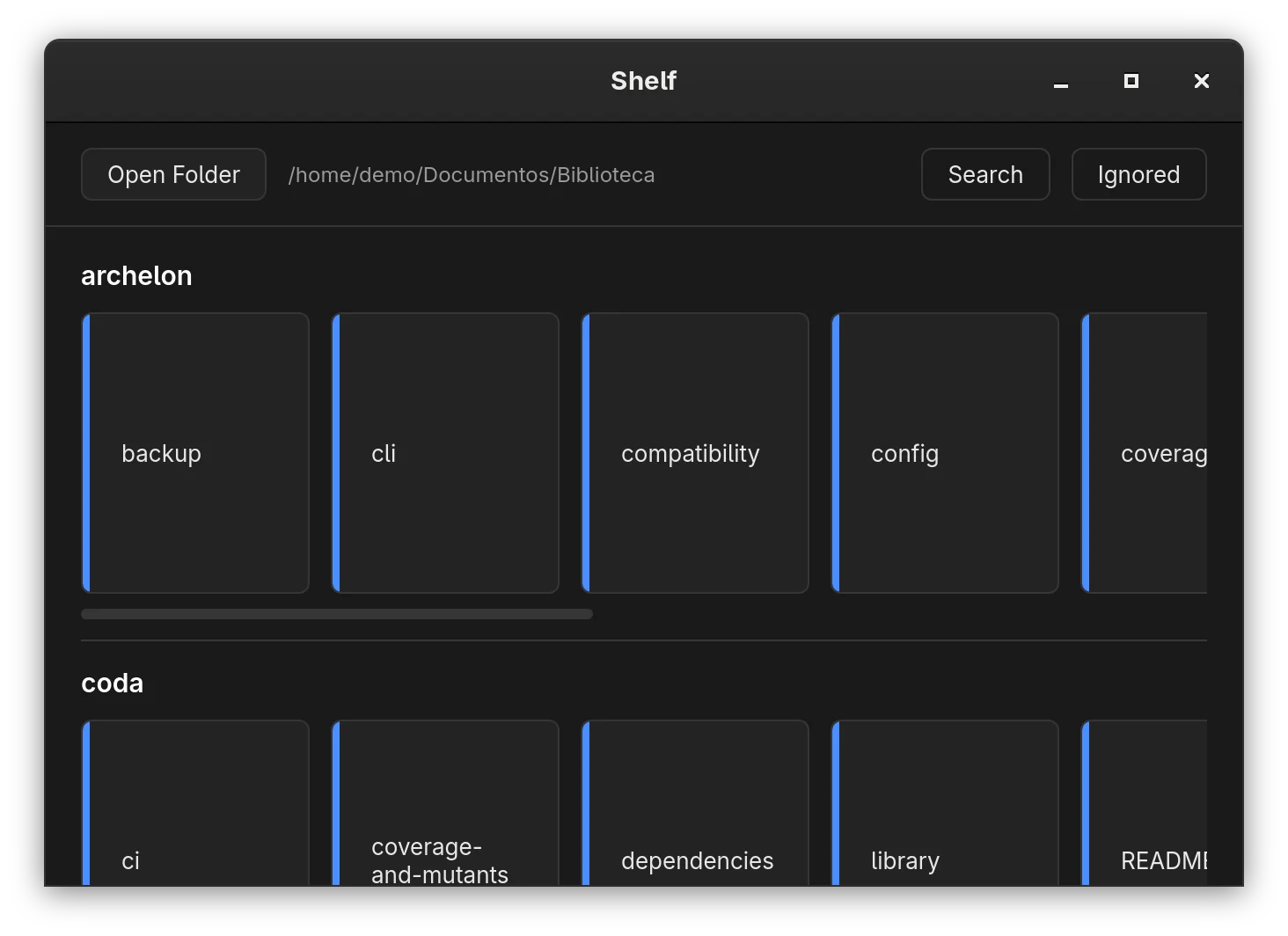
Every folder becomes a shelf
Point it at a folder and every directory with .md files becomes a row of cards, sorted by name. Scattered notes, docs and texts end up in one place.
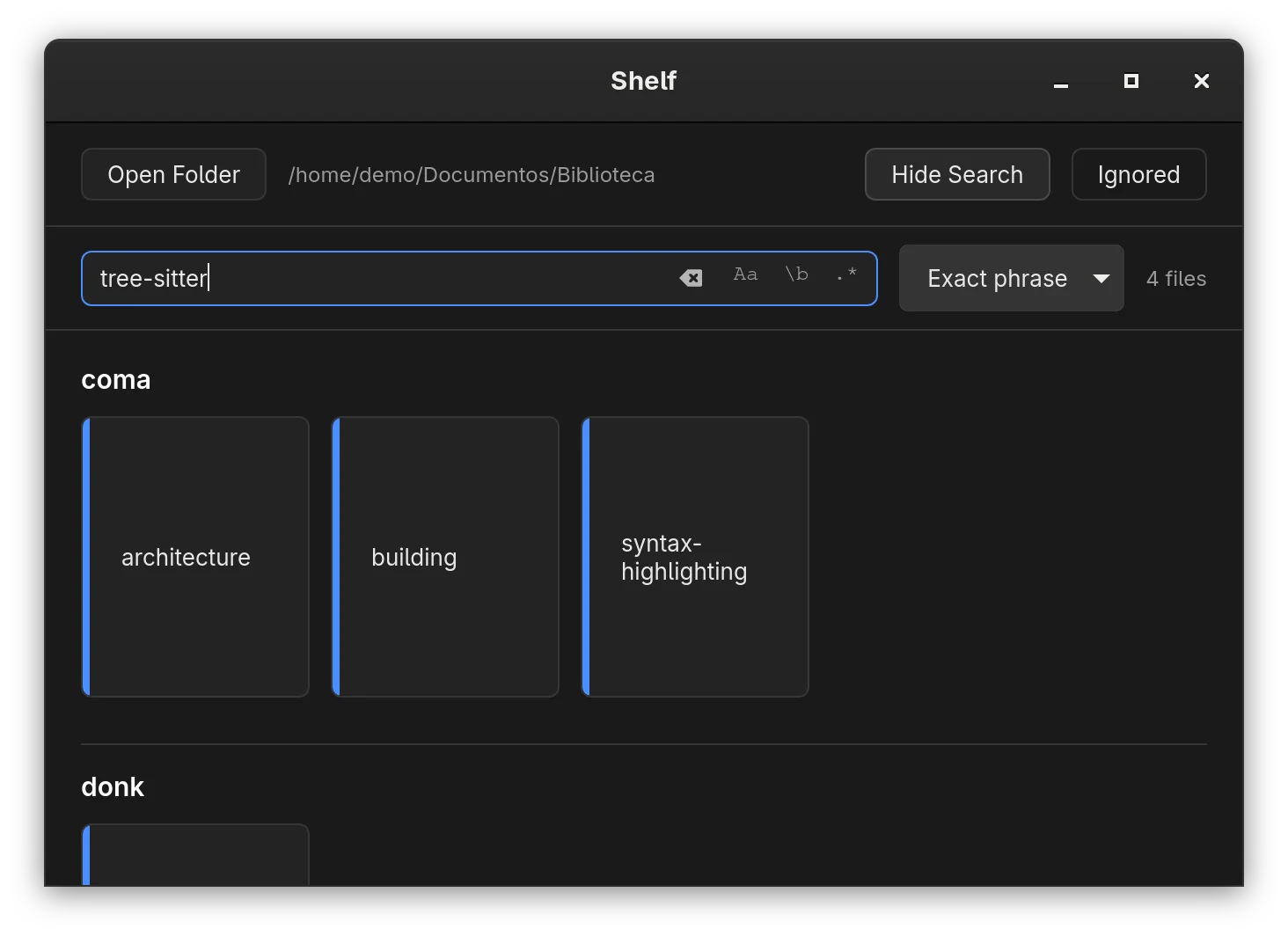
Find the text in any document
Search shows only the books whose title or contents match, by exact phrase, all words or any word, with options for case, whole word and regular expressions.
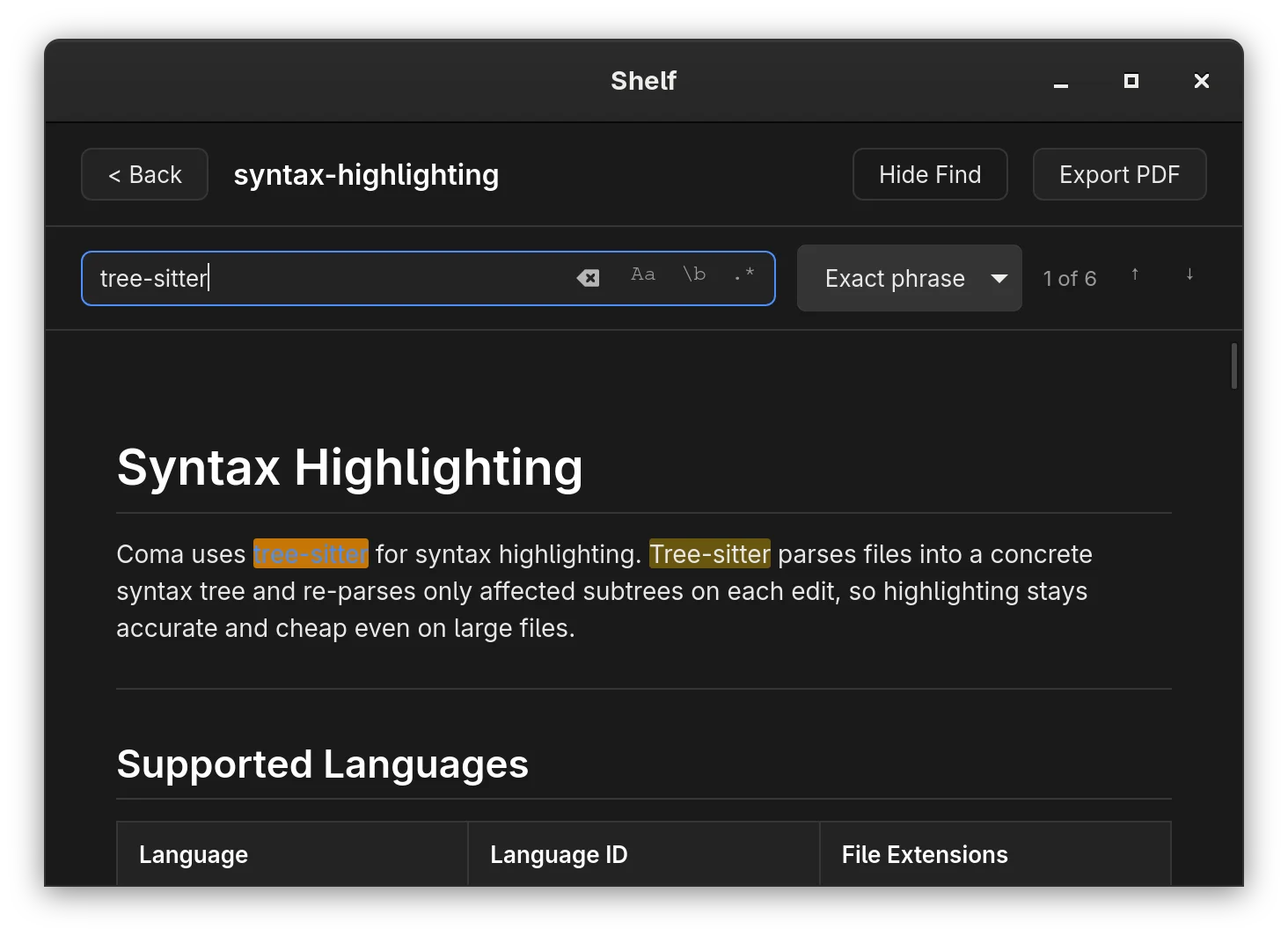
Open right at the passage you wanted
The book opens with the search in the find bar and every match marked, with stepping between them, in a light or dark theme that follows the system.
More features
Markdown reader
Renders CommonMark with tables, task lists and footnotes, plus Mermaid ER diagrams.
PDF export
Produces a PDF of the open document, with headings, lists, quotes and code; tables and images come out as plain text.
Ignored folders
Skips folders such as .git, node_modules and target by default, and accepts your own patterns.
About the project
shelf is for people who keep notes, documentation and texts in Markdown scattered across folders and want to read them as a library, without opening an editor. You point it at a folder and it builds the shelves, with search across all the contents.
It is a reader, not an editor. Code is set in a monospace font with no syntax highlighting, and only Mermaid ER diagrams are rendered; any other mermaid block stays as code.
Technologies
Rust, with a Dioxus interface on the system webview; pulldown-cmark for Markdown, genpdf for PDF and regex for search.
License: MIT
Install shelf
Needs Rust 1.88 or newer, WebKitGTK 4.1 and libxdo (webkit2gtk-4.1 and xdotool on Arch; libwebkit2gtk-4.1-dev and libxdo-dev on Debian and Ubuntu).
The .deb package
For Debian 12 or newer and Ubuntu 22.04 or newer.
curl -LO https://gitlab.com/alteronauta/shelf/-/releases/v1.0.0/downloads/shelf_1.0.0_amd64.deb
sudo apt install ./shelf_1.0.0_amd64.deb
Binary for any amd64 Linux
Needs WebKitGTK 4.1, GTK 3 and libxdo installed.
curl -LO https://gitlab.com/alteronauta/shelf/-/releases/v1.0.0/downloads/shelf-v1.0.0-linux-amd64.tar.gz
sudo tar -xzf shelf-v1.0.0-linux-amd64.tar.gz -C /usr/local --strip-components=1
From source
Installs to ~/.local, with the icon and the application-menu launcher.
git clone https://gitlab.com/alteronauta/shelf.git && cd shelf
./build-linux.sh
macOS has a script that builds the app. The details are in the README.