vital
Your machine's load at a glance.
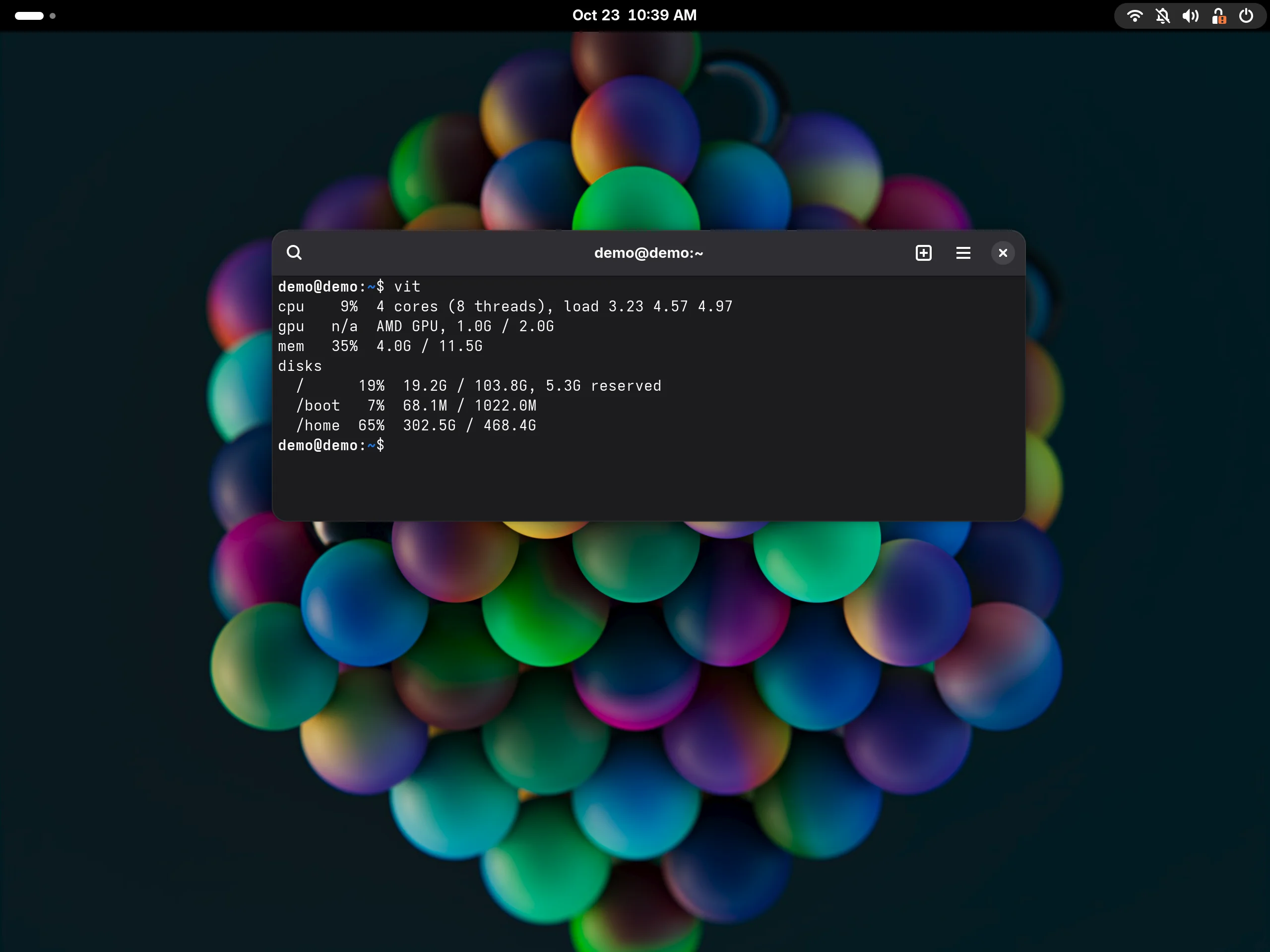
A small terminal monitor that answers one question: is the machine under load? CPU, GPU, memory and disk on one screen, with no process list.
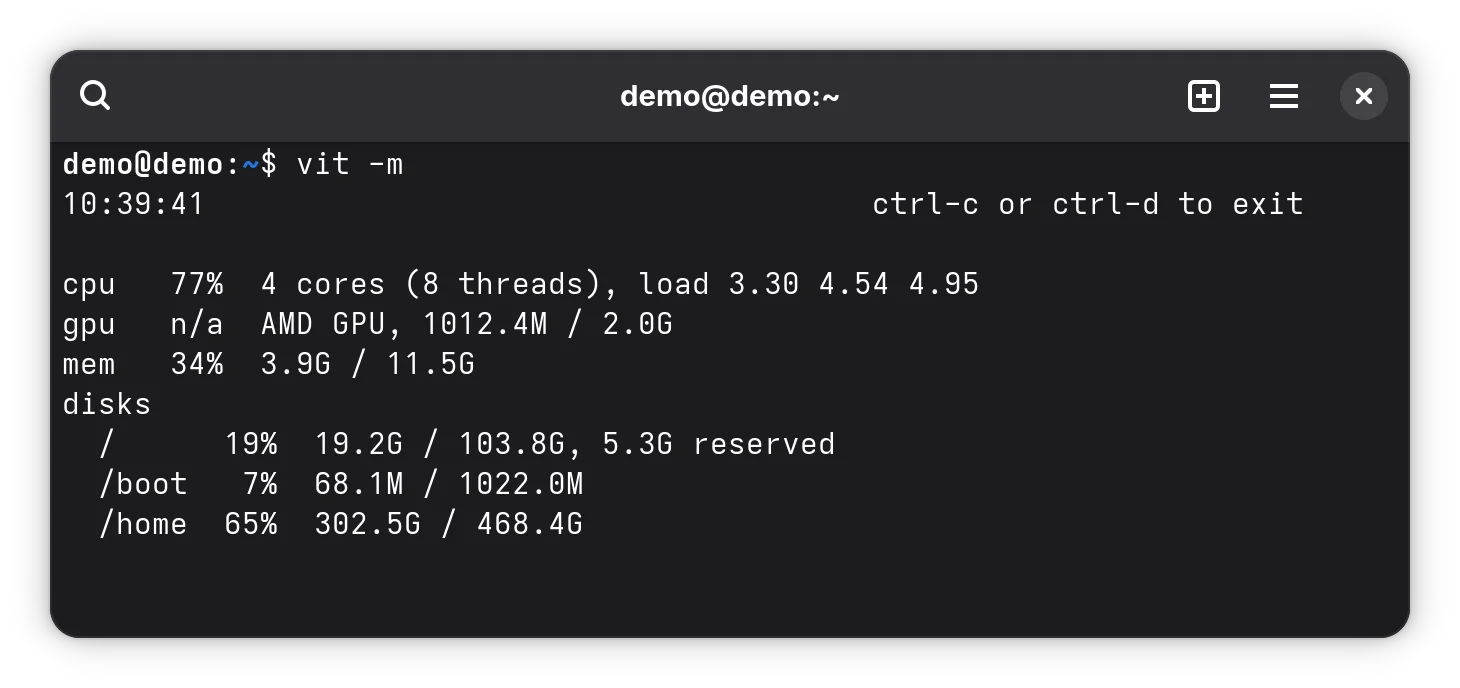
Watch it live
With -m the summary refreshes by itself, and you leave with Ctrl-C or Ctrl-D. You can watch the load climb while a build runs, and --interval sets the time between readings.
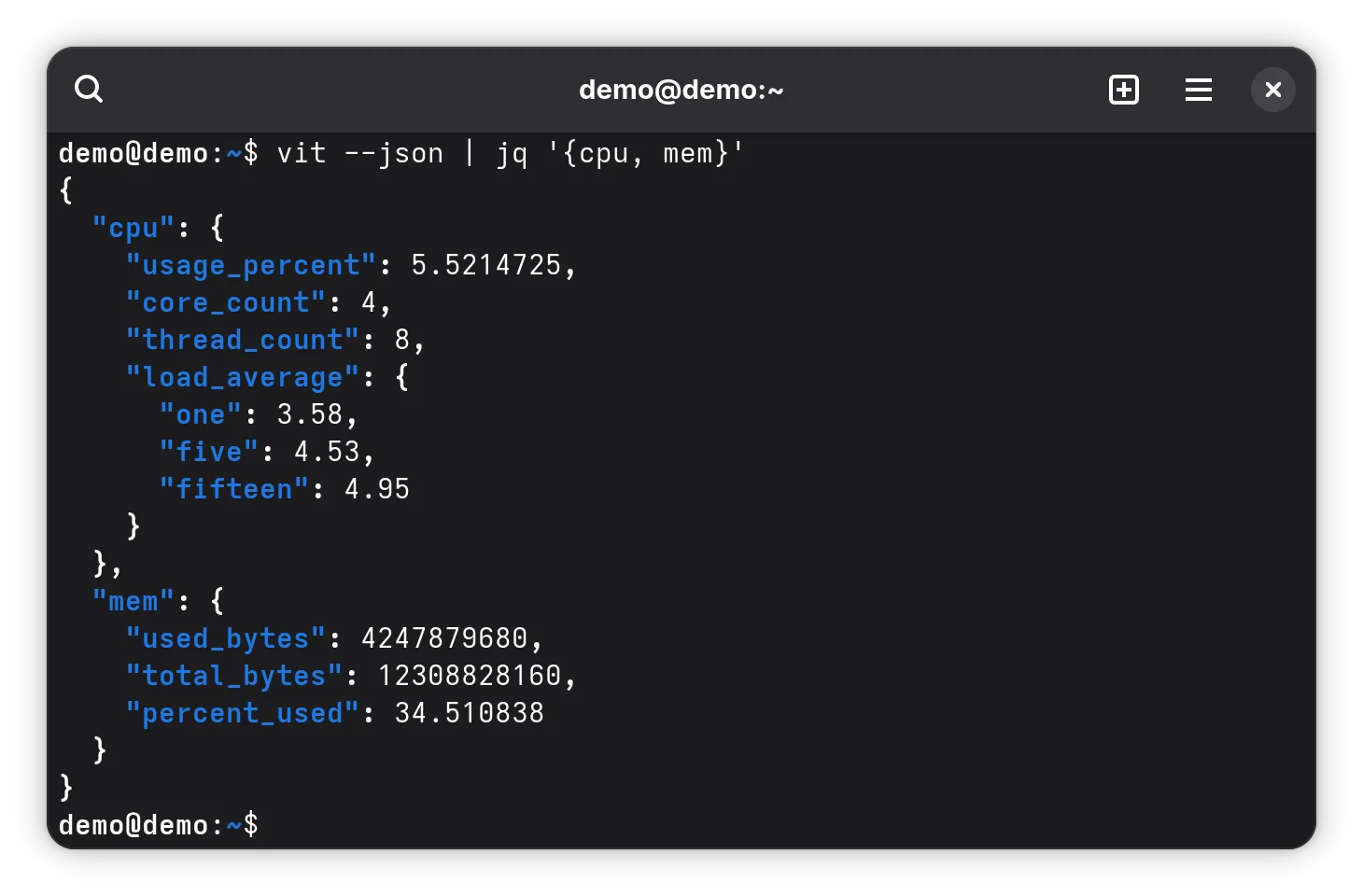
The same reading as JSON
With --json you get one object per reading, one line at a time, in a stable format: fields are only added, never renamed or removed.
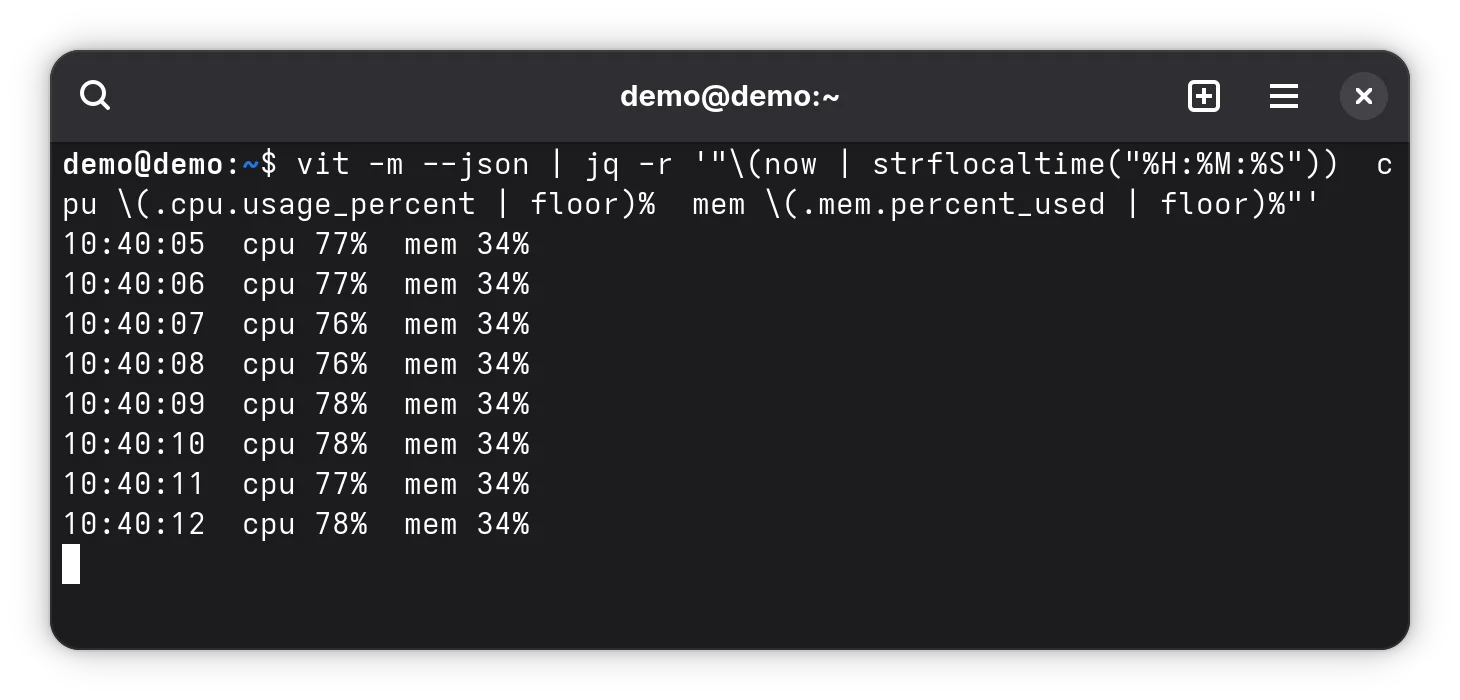
An alert in one line of shell
Since the output is one line of JSON per reading, jq pulls out what your script needs: warn when memory passes a limit, log the load every minute.
More features
CPU
Average usage over an adjustable sampling window, core and thread counts and the 1, 5 and 15 minute load averages.
GPU
Usage and memory for AMD GPUs on Linux and Apple GPUs on macOS; on other hardware the field shows as n/a.
About the project
vital is for people who want to glance at the terminal and know whether the machine is overloaded. It shows only the CPU, GPU, memory and disk numbers, and the executable is called vit.
There is no process list and no drill-down. GPU reporting is best-effort, one backend per vendor and platform, and never makes the command fail.
Technologies
Rust, with clap for the command line, sysinfo to read the system and serde_json for JSON output.
License: GPL-3.0-only
Install vital
To build, you need Rust and cargo.
From a release
A static Linux binary, also for ARM64 (swap amd64 for arm64). The executable is called vit.
curl -LO https://gitlab.com/alteronauta/vital/-/releases/v1.1.2/downloads/vit-v1.1.2-linux-amd64.tar.gz
curl -LO https://gitlab.com/alteronauta/vital/-/releases/v1.1.2/downloads/SHA256SUMS
sha256sum --check --ignore-missing SHA256SUMS
tar xzf vit-v1.1.2-linux-amd64.tar.gz
install -D vit-v1.1.2-linux-amd64/vit ~/.local/bin/vit
From source
git clone https://gitlab.com/alteronauta/vital.git && cd vital
cargo install --locked --path .